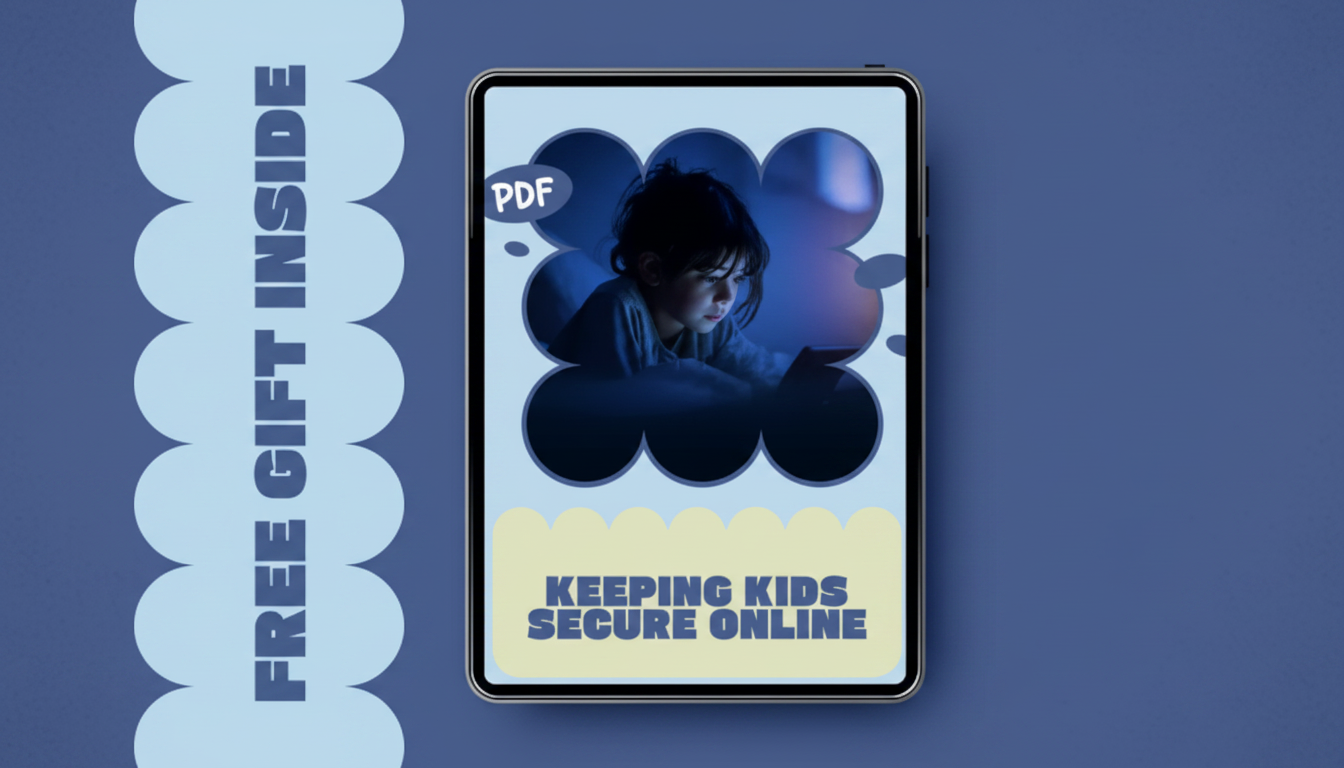
Keeping kids safe online works best when you combine clear rules, privacy protections, and ongoing conversations. Start by setting age-appropriate boundaries for devices and apps, then reinforce them with tools that limit risky content and contacts. The goal is to reduce exposure to harmful material while teaching kids how to recognize and respond to unsafe situations.
Turn on built-in parental controls on phones, tablets, computers, and game consoles. Use them to set content ratings, block explicit searches, restrict app installs, and limit in-app purchases. Enable screen-time limits and downtime hours so devices aren’t used late at night or unsupervised for long stretches.
Review privacy settings on every social platform and game. Set accounts to private, limit who can message or add your child, and disable location sharing unless it’s truly necessary. Remind kids not to share personal details like school name, phone number, address, or real-time whereabouts.
Explain that anyone online can pretend to be someone else. Teach kids to avoid moving chats to private apps, never share photos on request, and to be wary of strangers who offer gifts, ask for secrecy, or try to isolate them. Make it easy for your child to tell you when something feels off, without fear of losing device privileges.
Create strong, unique passwords and turn on two-factor authentication where available. Use a password manager if your family can manage it responsibly. Teach kids to never share passwords with friends and to log out of shared devices.
Enable automatic updates for operating systems, browsers, and apps. Use reputable security software on computers. Encourage downloading apps only from official stores and avoiding “free” downloads that ask for broad permissions.
Place younger kids’ devices in common areas and periodically review friend lists, privacy settings, and app usage together. Agree on family rules for posting, livestreaming, and accepting new contacts. For more detailed guidance, visit this full guide on ways to keep kids safe online.
Save evidence (screenshots and messages), block and report the account, and notify the school if classmates are involved. Support your child emotionally, and if there are threats or stalking, contact the platform and local authorities.











Leave a comment